Memo Detail
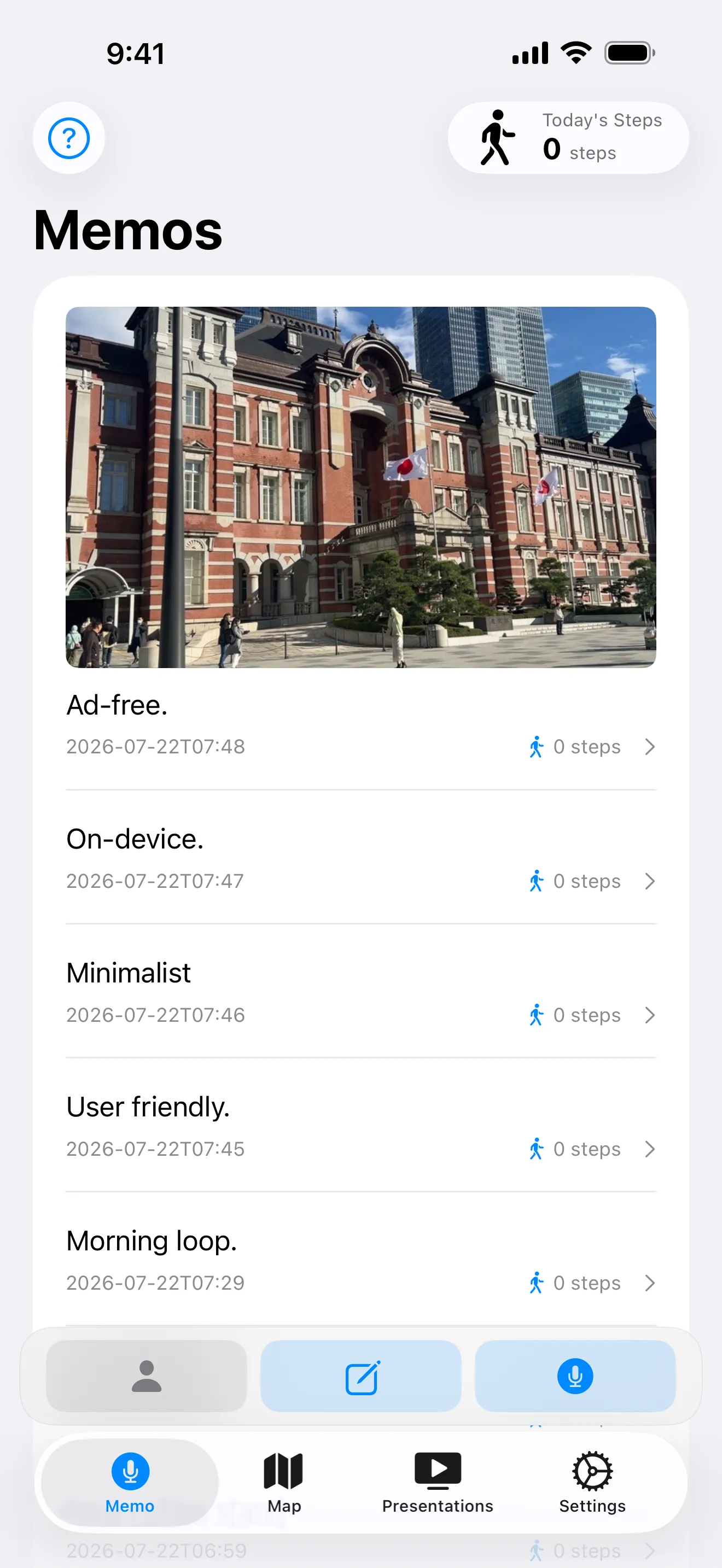
Tap any memo in the list to open its detail view. You’ll see the full transcript with surrounding memos truncated for context, attached photos and videos, ambient audio if it was captured, and metadata like steps and weather.
Sticky Audio Player
If the memo has audio (voice or conversation recording), the audio player sticks to the bottom of the screen as you scroll. You can listen while reading the transcript or browsing the photos — no jumping back to find the play button.
Media Carousel
Tap a thumbnail to open a full-screen media carousel. Swipe between photos and videos, long-press to share. Pinch to zoom into a photo and drag to pan around — the swipe gesture takes over again once you zoom back out.
When the current page is a photo, a “Read text” button lets you pull the text out of it on the spot — useful when you didn’t think to transcribe a sign at the time but want the words now. See Text from Photos for what happens next.
← All features